
Cloud Computing Internship in Pakistan
This cloud computing internship in Pakistan is a 1 to 6 month cloud and DevOps basics track, hybrid: onsite at our Rawalpindi office or fully remote, for CS, IT and telecom students and fresh graduates who want to become cloud or DevOps engineers, with no credit card, no paid cloud account and no prior experience needed. You run Linux servers, containers and infrastructure as code in free local labs with your mentor reviewing every task, and you apply by pressing Apply now and registering on the Ezitech intern portal.
terraform apply -var-file=dev.tfvars
# and one command removes it again
- Linux (Ubuntu)
- Docker
- GitHub Actions
- Terraform
- LocalStack
- Azure for Students
- Linux (Ubuntu)
- Docker
- GitHub Actions
- Terraform
- LocalStack
- Azure for Students
- Linux (Ubuntu)
- Docker
- GitHub Actions
- Terraform
- LocalStack
- Azure for Students
- Linux (Ubuntu)
- Docker
- GitHub Actions
- Terraform
- LocalStack
- Azure for Students
- Linux (Ubuntu)
- Docker
- GitHub Actions
- Terraform
- LocalStack
- Azure for Students
- Linux (Ubuntu)
- Docker
- GitHub Actions
- Terraform
- LocalStack
- Azure for Students
- Linux (Ubuntu)
- Docker
- GitHub Actions
- Terraform
- LocalStack
- Azure for Students
- Linux (Ubuntu)
- Docker
- GitHub Actions
- Terraform
- LocalStack
- Azure for Students
Cloud computing internship applications are open all year. 1 to 6 months, hybrid: onsite in Rawalpindi or remote from anywhere, with every task reviewed. QR-verified certificate. Apply for the cloud computing internship
A server you built by hand is a server you cannot rebuild
Clicking through a console is the easy part. Scripting the server, packaging the app, describing the whole environment in code and proving one command can rebuild it. That is the internship.
- 1You get a fictional client, such as a clinic or an online shop, that needs hosting
- 2You build each piece on Linux, in Docker or in a local cloud lab
- 3Your mentor reviews every task and asks for the output that proves it runs
- 4You hand over code, a diagram and a recorded demo on GitHub
Cloud basics, Linux and the command line are covered in weeks 1 to 2. You do not need a credit card, a paid cloud account or prior experience.
# Week 10: storage and a function for a fictional clinic, on LocalStack
provider "aws" {
  region                      = "us-east-1"
  skip_credentials_validation = true
  endpoints {
    s3     = "http://localhost:4566"
    lambda = "http://localhost:4566"
  }
}
resource "aws_s3_bucket" "reports" {
  bucket = "clinic-reports-dev"
}
# proof: docs/plan.txt, then terraform destroy leaves nothing behind
What you will be able to do after this cloud computing internship
Cloud basics
IaaS, PaaS and SaaS, regions and zones, the shared responsibility model, and IP, DNS, ports and HTTP.
Linux administration
Shell, files, permissions, users, processes, SSH, Bash scripts, systemd services and UFW rules.
Docker
Images, Dockerfiles, volumes, Docker Compose, small multi-stage builds and the free GitHub registry.
Core cloud services
Object storage, IAM, serverless functions and NoSQL tables in LocalStack with the AWS CLI.
A real cloud, no card
Resource groups, storage and App Service on Azure for Students with a student email.
Cloud networking and security basics
VPCs, subnets, routes, security groups, least privilege and secrets handling.
Infrastructure as code
Terraform providers, resources, variables, state, modules and plan reviews.
Pipelines and monitoring basics
A GitHub Actions workflow that checks every push, plus logs, health checks, budgets and alerts.
The cloud computing internship plan, 3-month version
Four phases. Each one ends in a deliverable that is reviewed and graded before the next opens.
Linux and cloud basics
What the cloud is, and the servers underneath it.
- IaaS, PaaS and SaaS, IP addresses, DNS, ports and HTTP
- Ubuntu on WSL2 or a VirtualBox VM, and Git from day one
- Shell, permissions, users, processes, SSH and Bash scripts
- systemd services and UFW firewall rules
Linux setup scripts that build a working server from a fresh install, on GitHub.
Containers and cloud services
Package the app, then use cloud services locally.
- Images, Dockerfiles, ports, volumes and Docker Compose
- Small multi-stage images pushed to the free GitHub registry
- Object storage, IAM, functions and NoSQL tables in LocalStack
- Event triggers, IAM policies and reading function logs
A containerised web app with Docker Compose, and a serverless file service in LocalStack.
A real cloud and its network
Host something real, then lock it down.
- Azure for Students with no card, or the same labs in LocalStack
- Budgets and alerts, the Azure CLI and removing resources after each lab
- VPCs, subnets, routes and security groups
- Least privilege, secrets handling and encryption basics
A static site on Azure for Students or LocalStack, with a network diagram and a clean-up checklist.
Infrastructure as code and handover
Describe it in code, check it, rebuild it.
- Terraform providers, resources, variables and state against LocalStack
- Modules, plan reviews and consistent environments
- A GitHub Actions check that runs on every push
- Final project, walk-through, mock interview and CV help
A network, storage and functions in Terraform, created and destroyed with one command, with a diagram and a recorded demo.
Every intern hands over an environment one command can rebuild
You describe a fictional client’s network, storage and functions in Terraform, create and destroy them with one command on LocalStack, check every push with GitHub Actions, and hand over a README, a diagram and a demo.
- Terraform code with variables, modules and a reviewed plan
- An architecture diagram of what the code builds
- A README and a recorded demo of create and destroy
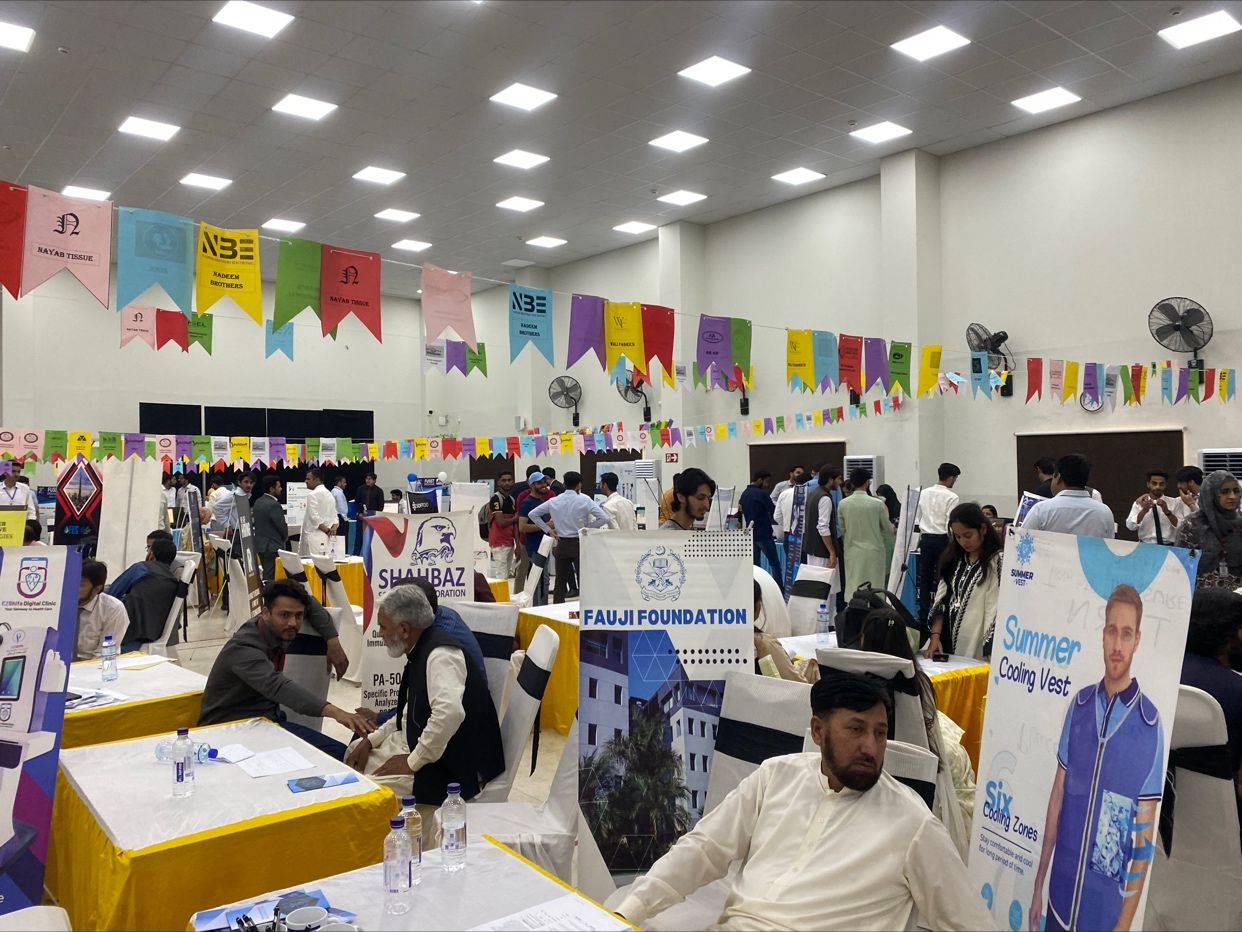


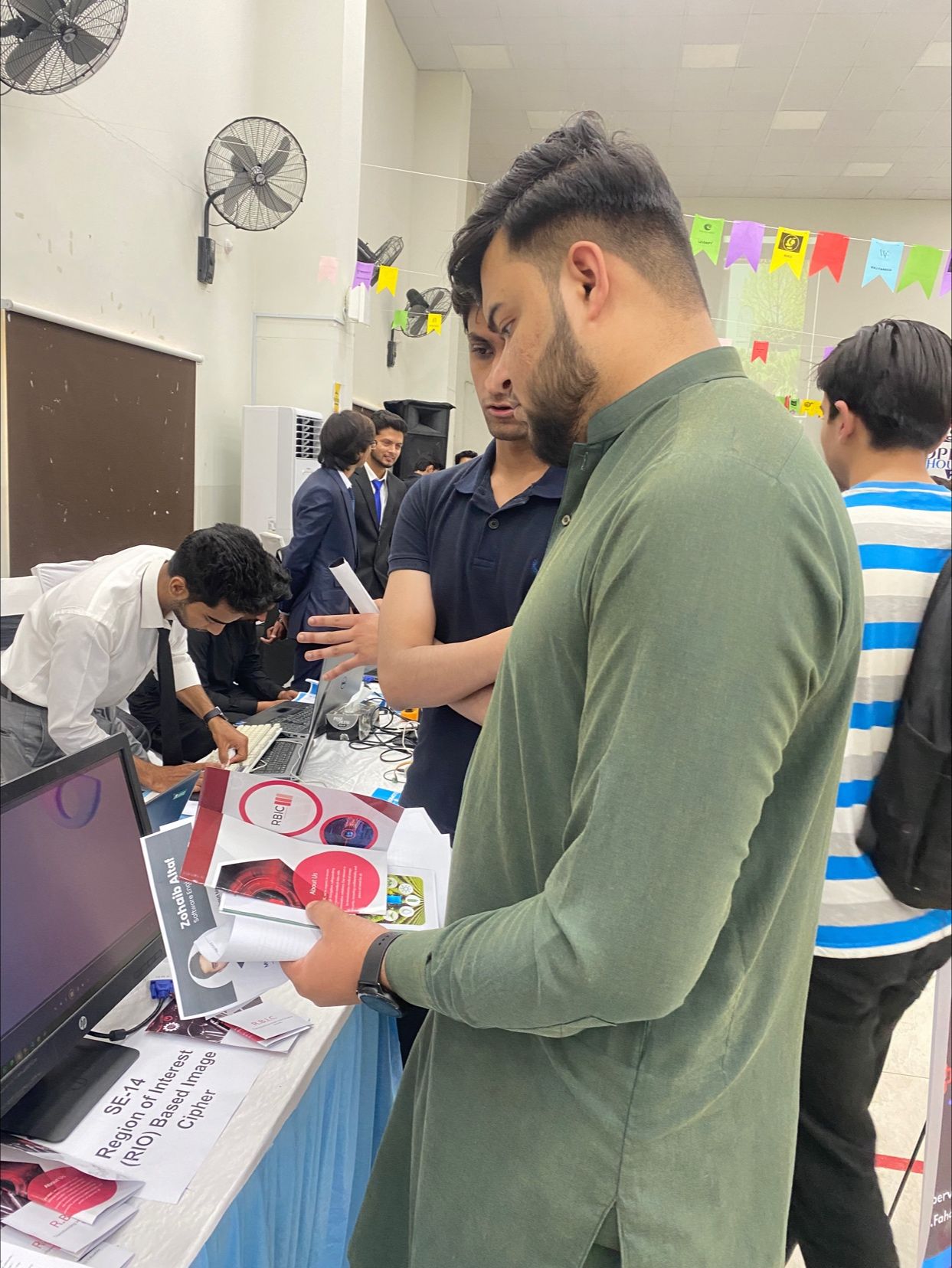


What the cloud computing internship includes
Three things that make this different from a course you watch on a screen.
Client-style projects
You work on projects written for realistic client companies, with deadlines and revision rounds, not recycled practice exercises.
A mentor, not a playlist
Every piece of work is reviewed against written criteria, you can ask your mentor at any time, and other interns are around you to build with.
Portfolio and verified certificate
You finish with work you are allowed to show and a QR-verified certificate that states your track and dates.
Verified certificate
Issued by Ezitech Institute and verifiable by employers.
Verified certificate
A QR code lets anyone confirm your track and dates online.
Infrastructure as code
A Terraform project with a diagram and a demo, plus four smaller labs on GitHub.
Interview preparation
CV rewrite, portfolio case study and a technical mock interview.
A portfolio you can show
Every accepted task appears on your public Ezitech profile, under the project it belongs to.
Confidence in review
Month after month of explaining and defending your own work in reviews.
Built for you if
- You are a student or fresh graduate in CS, IT, telecom or a related field
- You are happy to work in a Linux terminal from the first week
- You want to become a cloud, DevOps or Linux engineer
- You need an internship or a final-year project with real infrastructure code
Not a fit if
- You want a certificate without doing the work
- You cannot work on it most days for the months you choose
- You expect to manage a paid production cloud account from week one
- You want to skip review and work alone
Cloud computing internship: questions people ask
Everything applicants email us about, answered before you apply.
What does a cloud computing intern do at Ezitech?
Do I need a credit card or a paid AWS account?
How is this different from the cloud security internship?
Does it cover CI/CD, Kubernetes and monitoring?
Do I need Linux or networking experience?
Can I do the cloud computing internship remotely?
Is there a fee, and is the internship paid?
Does the cloud computing internship guarantee a job?
Who runs this internship?
How do I apply for the cloud computing internship?
Not sure Cloud Computing is the one?
Every Ezitech internship runs 1 to 6 months, hybrid: onsite or remote, with the same mentor model and every task reviewed. Not sure where to start? See what universities ask for, or how the one-time programme fee and refunds work.
Cloud Security
Lock down cloud accounts, permissions and logging.
View trackNetworking
Build and hand over company networks at CCNA level, in free labs.
View trackFull Stack
Front end, back end, database and deployment in one application.
View trackAll internships
Browse every Ezitech internship, field by field.
View trackPopular internships: AI internship · machine learning internship · data science internship · web development internship · MERN stack internship · Flutter internship · app development internship · UI UX internship · graphic design internship · digital marketing internship · winter internship
Build infrastructure you can rebuild with one command
1 to 6 months, one shipped piece of real work, a mentor who reviews you every week. Registration takes five minutes.
Ezitech Institute · Rawalpindi, Pakistan · info@ezitech.org · +92 345 5555396