

For Nest City, a housing society in Pakistan, we set up our housing society ERP to run the full life of a plot: listing, booking, instalments, receipts, transfers and possession. Sales and finance work from one booking file, buyers get confirmations and reminders by SMS or WhatsApp, and every receipt posts to the right ledger.
The client
Nest City is a housing society project in Pakistan. Our team and Nest City signed their MoU in 2022.
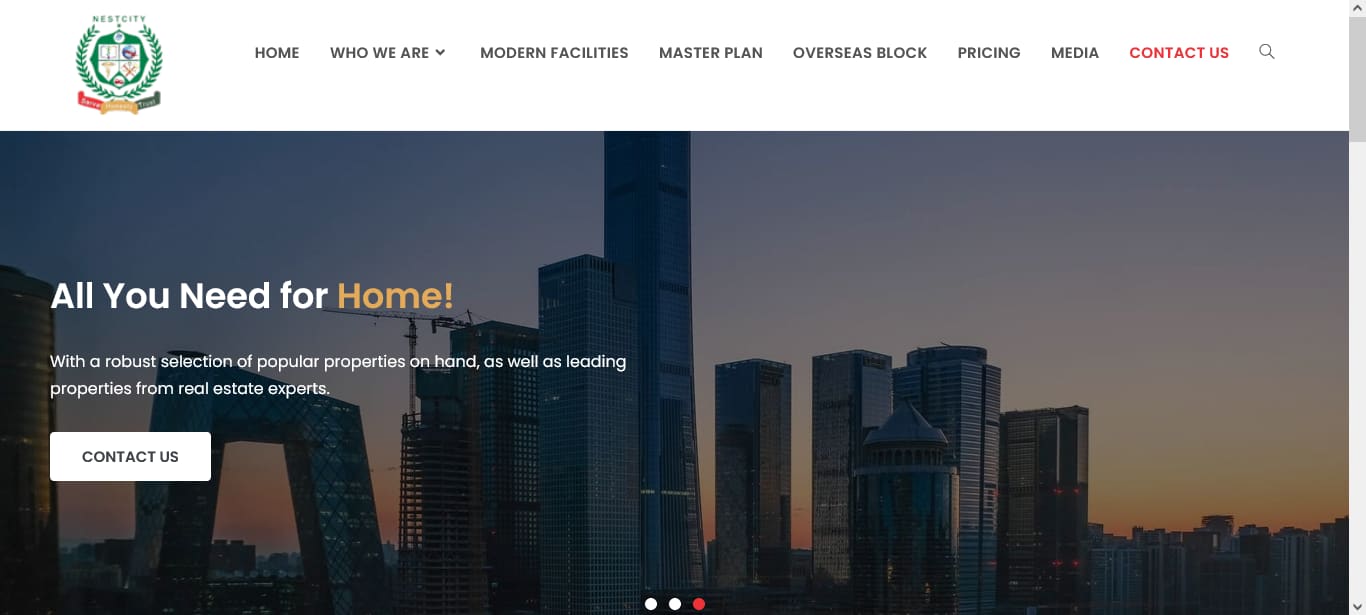
Alongside the ERP we designed the Nest City project website and provided a client app. For other societies, see our society management software.
The problem
Land is sold over years. A single plot goes through booking, advance, instalments, possession and sometimes transfer, and each step creates paperwork and money.
- Without one register, plots, files and payments drift apart.
- Receipts have to post to the right client ledger and the chart of accounts.
- Buyers expect confirmations, receipts and reminders, and dealers expect their commission to be tracked.
- Handling this by hand leads to late recoveries and disputes.
What we built
Projects, blocks and plots
Projects are set up with blocks and streets. Plots, houses, apartments, shops and units carry size in marla, preference, description, pictures and features, with a block map view.
Bookings and plot files
Each booking records form and file numbers, client details, next of kin, plot size and preference, dealer, advance, concession and attachments. Existing records can be loaded with a bulk upload template.
Instalment plans and receipts
Cash or instalment plans cover advance, monthly, quarterly and half-yearly payments and the possession amount, with re-scheduling and printing. Receipts are taken by cash, bank, IBFT or cheque, with a late-payment surcharge, a post-dated cheque list and invoice history.
Accounts and ledgers
A four-level chart of accounts drives the general ledger, journal ledger, trial balance, balance sheet and income reports. Each client and booking has a printable ledger, alongside dealer and bank ledgers.
Dealers, transfers and refunds
Dealers are registered and attached to bookings, with commission per booking, a transfer record and a dealer dashboard. Booking transfers, refunds and deactivations each keep their own record.
Communication, leads and the client app
Confirmations, receipts and due-date reminders go out by SMS or WhatsApp, and bulk messages can target all clients, late payers or one person. Leads carry notes, calls, tasks and meetings until they become clients. The Ezi Ghar mobile app shows buyers their bookings, payment schedule and invoices. Related: our real estate CRM.
Recoveries and the daily summary
Overdue and overall instalment reports, a daily income report and project dashboards show what is due and from whom. An end-of-day WhatsApp summary covers bookings, transfers, expenses, recovery and a finance summary.
How it works
- List: the plot is added to its block and street with size and price.
- Book: a client file opens with next of kin, dealer and advance.
- Plan: the instalment schedule is set and printed.
- Collect: receipts are recorded and the client is told by SMS or WhatsApp.
- Post: receipts post to the client ledger and the chart of accounts.
- Recover: reminders and overdue reports chase what is due.
What changed
- Sales and finance work from one booking file.
- Client, dealer and bank ledgers sit on the chart of accounts and can be traced to entries.
- Confirmations, receipts, reminders and bulk messages go out from the ERP.
- Overdue and overall instalment reports show what is due, from whom and since when.
The plot grid, schedule, client app and dealer flow layouts we show for this project are illustrations, not Nest City records.
Key facts
| Client | Nest City, a housing society in Pakistan |
|---|---|
| MoU signed | 2022 |
| Property types booked | 5: plot, house, apartment, shop, unit |
| Chart of accounts | 4 levels |
| Ways to reach clients | 3: SMS, WhatsApp, email |
| Client app | Ezi Ghar (bookings, schedule, invoices) |
Questions
What is a housing society ERP?
It is software that runs plot inventory, booking files, instalment schedules, receipts, ledgers, the chart of accounts and buyer communication for a housing society or real estate project.
Does it handle instalments and late payments?
Yes. Plans cover advance, monthly, quarterly and half-yearly payments and possession, with re-scheduling, a late-payment surcharge and overdue reports.
Can dealers and commission be tracked?
Yes. Dealers are attached to bookings, commission is recorded per booking and each dealer has a ledger and dashboard.
Can we import our existing plot records?
Yes. A bulk upload template brings in existing records, and we help clean and map the data. You can read about our approach in the society management software case study.
Can buyers see their payments on a phone?
Yes. The Ezi Ghar client app shows each buyer their bookings, payment schedule and invoices.
Need something similar? Tell us how your team works today and we will scope it with you. Contact Ezitech or WhatsApp us, 24/7. Our office is at #304-G Amna Plaza, Main Peshawar Road, Rawalpindi.